
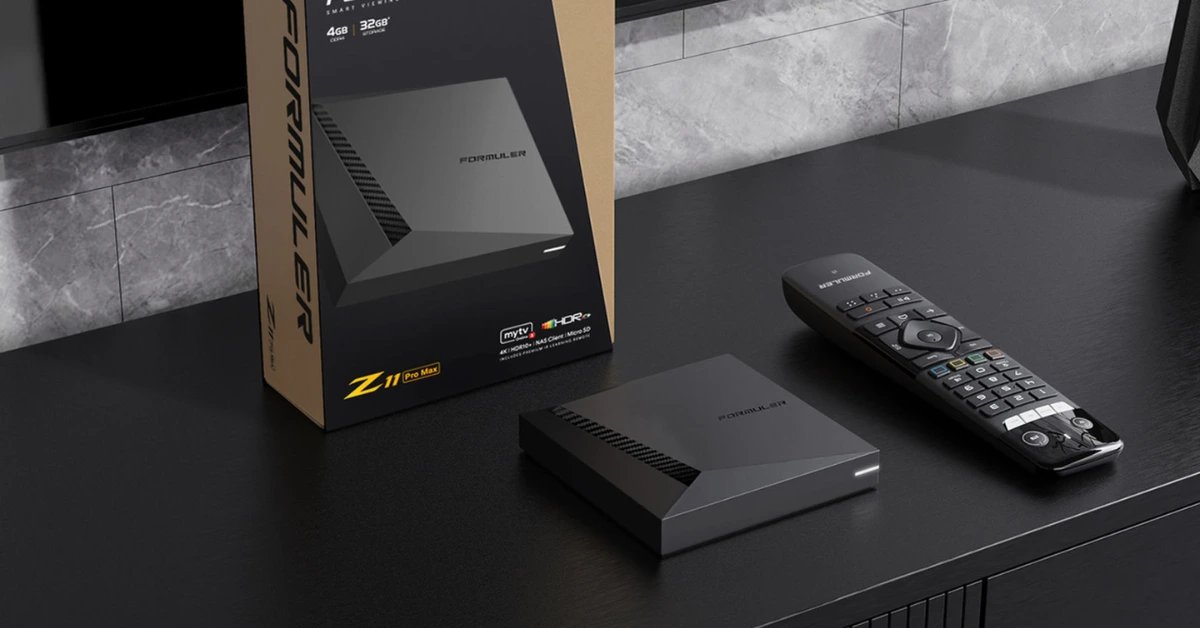
Formuler Box
How to Set Up IPTV on FormulerZ8 Using MYTV Online 2
FormulerZ boxes are some of the best devices available for watching IPTV. One of their standout features is the support for both MAC-based Portal Systems and M3U-based Playlists.
The FormulerZ8 is the latest version of these devices and comes pre-installed with the powerful MYTV Online 2 app, which supports 4K Ultra HD streaming.
This step-by-step guide will show you how to configure IPTV on your FormulerZ8 (or any other Formuler device).
✅ Step 1: Launch MYTV Online 2
-
Open the exclusive IPTV application on your Formuler box: MYTV Online 2.
-
If it’s not already installed, download it from the Google Play Store.

✅ Step 2: Locate Your Device MAC Address
-
You’ll see the MAC address displayed at the top right corner of the screen.
-
📌 Important: Provide this MAC address to your IPTV provider if you’re using the MAC-based Portal option.

✅ Step 3: Add a Portal
-
On the main screen, you’ll see two setup options. Choose “Add Portal” to use your device in MAC-based mode (similar to MAG boxes).
-
Fill in the following:
-
Portal Nickname: (e.g.,
MYIPTV) -
Portal URL: (This is provided by your IPTV service provider)
-
-
Click “CONNECT” to proceed.

✅ Step 4: Start Watching
-
If the connection is successful, your device will load all the IPTV channels included in your subscription.
-
⏳ Note: Loading the full channel list may take a few moments.
